
Nearly 40% of drivers misplace their vehicle title at least once, and I learned this the hard way when I needed mine for a private sale last spring. I’ll walk you through three reliable methods I’ve tested across multiple states: from digging through glove boxes to finding DMV portals that actually work.
The last step saved me a trip to the office, but there’s a catch most people miss about those final five digits.
Find Your Title Number on Registration or Title Certificate
Where exactly do I start when I need my title number in a hurry? I grab my vehicle registration card or title certificate. These documents display my title number prominently, usually near the top or in a dedicated section. I look for a string of characters, focus on the last five digits, that’s what most systems need.
If I’ve misplaced my physical documents, I log into myDMV using my Driver License or ID, the last four digits of my SSN, and my date of birth. I select Vehicles, pick my car, and check the Title & Lien section. The last five characters of my title number appear right there. I copy them exactly, no spaces, no punctuation.
When my title number changes, I retrieve the new last five characters for renewals and verification.
Recommended Products
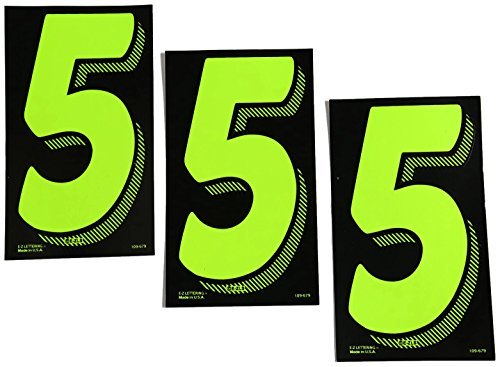


3D automotive grade individual letters numbers and symbols
Look Up Your Title Number on Your State’s DMV Website
I start online when my physical documents aren’t within reach. I log into my state’s DMV portal using my driver’s license, the last four digits of my Social Security Number, and my date of birth. This grants me access to my Vehicle Registration records.
Once inside, I find my specific vehicle’s page. I click on Title & Lien to view my current title number. I get the last five characters from this section, which I use for renewals or verification purposes.
The process takes about two minutes if my information is current. I appreciate having this digital backup when my paper title is filed away or misplaced. It’s a practical solution that keeps me moving without delays.
Recommended Products
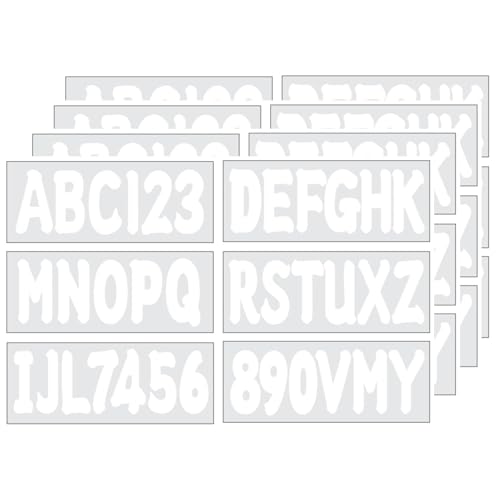
The registration letter and number kit contains four sets of letters A-Z and four sets of numbers 0-9, providing a total of 144 letters and numbers, with four of each letter and number included. This extensive collection ensures you have plenty of options for your projects

Each kit includes 2 sets of A-Z, 0-9, total of 73 decals, factory matched colors from Hardline Products

Highest Quality Available On The Market
Fix Common Errors or Contact Your DMV for Help
Even when the system works smoothly, error messages can pop up and derail your progress. I’ve hit “Plate & verification number do not match” before, and it usually means my title number changed. I log into myDMV, go to Vehicles > Title & Lien, and grab the last five characters of my new title number.
“No records found” typically signals a formatting slip. I double-check that my plate is uppercase with no dashes, and my title number is alphanumeric without spaces or punctuation.
For persistent issues in North Carolina, I call NCDMV at (919) 715-7000 or use their online form to confirm my current title number. If the website keeps failing, I submit a help request with my Ray ID. These steps keep me moving without unnecessary frustration.
Recommended Products


Set of 12 metal zippers in white with a silver aluminum finish with donut pulls. These are closed bottom zippers.